
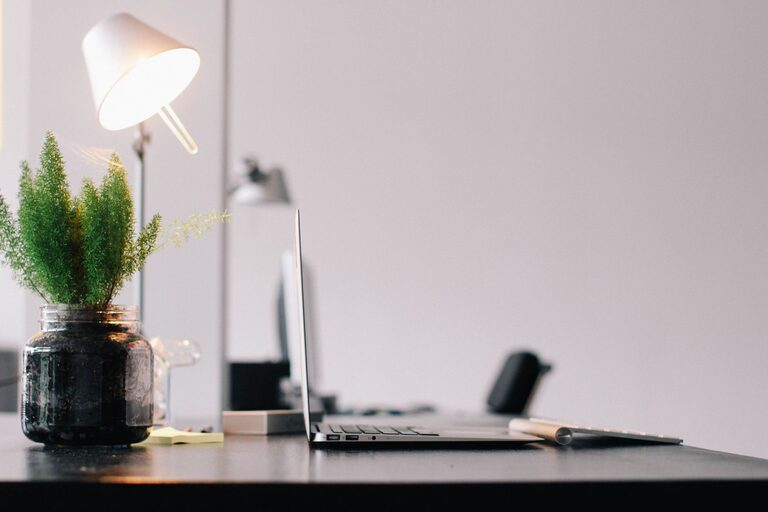
Creating a productive home workspace is essential for anyone working remotely or managing personal projects at home. A well-designed area can help you stay focused, reduce distractions, and maintain a healthy work-life balance. Here’s a comprehensive guide with practical tips to help you set up a workspace that supports your productivity and well-being.
Choose the Right Location
Selecting the best spot in your home for your workspace is the first step.
– Quiet and Low-Traffic Area: Pick a location away from household noise and foot traffic to minimize interruptions.
– Natural Light: Position your desk near a window if possible, as natural light can improve mood and focus.
– Adequate Space: Ensure there is enough room for your computer, office supplies, and space to move comfortably.
Invest in Ergonomic Furniture
Comfort is key for long hours at the desk.
– Desk and Chair: Choose a desk at the appropriate height and a chair with adjustable features for back support.
– Monitor Position: The top of your monitor should be at or just below eye level to avoid neck strain.
– Keyboard and Mouse: Place them so your wrists remain straight and your arms at a roughly 90-degree angle.
Organize Your Workspace
Clutter can distract and reduce productivity. Keep your area tidy and organized.
– Storage Solutions: Use shelves, drawers, or filing cabinets to store documents and supplies neatly.
– Desk Organizer: Keep frequently used items like pens, notebooks, and chargers within easy reach.
– Cable Management: Use clips or ties to keep cords untangled and out of the way.
Personalize Without Overcrowding
Adding personal touches can make the space inviting but avoid excess decor that can interfere with concentration.
– Plants: Small indoor plants can improve air quality and add freshness.
– Artwork or Photos: Include a few pieces that inspire or motivate you.
– Color Scheme: Choose calming colors for walls and accessories to create a pleasant atmosphere.
Establish a Routine and Boundaries
Your workspace should support a consistent work schedule.
– Set Working Hours: Define clear start and end times to separate work from personal life.
– Take Breaks: Schedule short breaks to stretch, move around, and rest your eyes.
– Limit Distractions: Turn off social media notifications and keep non-work devices in another room.
Use Technology Wisely
Equip your workspace with the right technology to enhance efficiency.
– Reliable Internet: A strong and stable connection is critical.
– Headphones: Noise-canceling headphones can block distractions.
– Productivity Tools: Utilize apps for task management, time tracking, and communication.
Maintain Good Lighting
Proper lighting reduces eye strain and fatigue.
– Blend Natural and Artificial Light: Use desk lamps with adjustable brightness to complement daylight.
– Avoid Glare: Position screens to prevent glare from windows or overhead lights.
Keep Your Workspace Clean
Regular cleaning promotes a healthy environment and clear mindset.
– Daily Tidying: Spend a few minutes each day putting things back in place.
– Weekly Deep Clean: Dust surfaces, vacuum floors, and sanitize high-touch areas.
Final Thoughts
Creating a home workspace tailored to your needs takes a bit of planning, but it’s worth the effort. With the right location, ergonomic setup, organization, and routines in place, you’ll foster an environment that supports productivity and comfort. Start small, tweak your space as you go, and enjoy the benefits of a focused work area at home.