
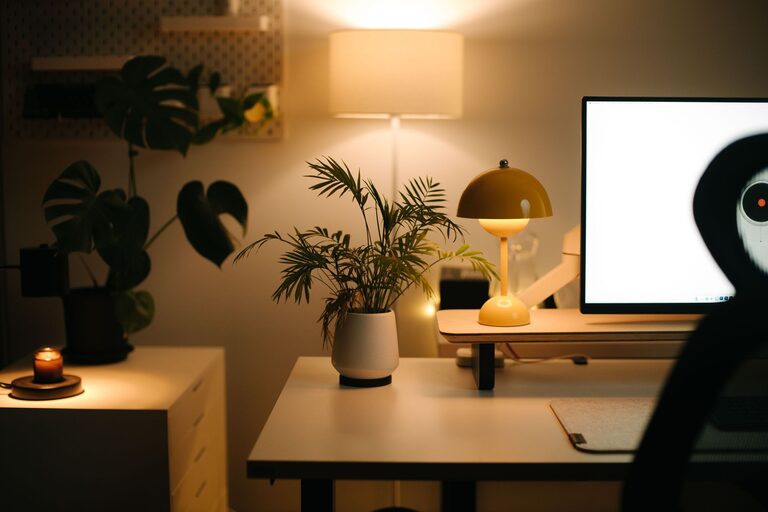
Creating a home workspace that is both cozy and productive can greatly improve your comfort and efficiency while working from home. Whether you work remotely full-time or need a dedicated spot for occasional tasks, a well-designed space helps you stay focused, motivated, and relaxed. In this post, we’ll explore practical tips to help you set up a home workspace that feels inviting without sacrificing productivity.
Choose the Right Location
Finding the best spot in your home is the first step. Ideally, select a quiet area with minimal distractions and good natural light. A corner of a living room, a spare bedroom, or a dining nook can work well. Consider how much privacy you need and the noise level around each potential location.
Consider Natural Light and Ventilation
Natural light can boost your mood and reduce eye strain, so set up near a window if possible. Make sure the space also has good ventilation to keep air fresh and help you stay alert. If natural light is limited, invest in quality task lighting.
Invest in Comfortable Furniture
Comfort is key for long work sessions. Choose an ergonomic chair that supports your back and promotes good posture. A desk at the right height helps prevent strain on your wrists and shoulders. If possible, find furniture that fits your style to add a personal touch.
Desk Setup Tips
– Use a desk with enough surface area to hold your computer, notebook, and other essentials.
– Keep frequently used items within arm’s reach to stay organized.
– Consider a standing desk or adjustable sit-stand options for variety.
Organize with Purpose
Clutter can make it difficult to concentrate. Use storage solutions like shelves, drawers, and organizers to keep your materials tidy and accessible. Labeling storage bins can help maintain order over time.
Create Zones
If space allows, divide your workspace into zones for different tasks. For example, designate one area for computer work and another for writing or brainstorming ideas. This can help retrain your brain to focus better.
Add Personal and Cozy Elements
Small touches can make your workspace inviting and enjoyable to spend time in. Add a soft throw blanket, cushions, or a small indoor plant for greenery. Display photos, artwork, or inspiring quotes that make you smile.
Balance Comfort and Distraction
While it’s great to feel cozy, keep distractions minimal. Choose decorations that help you relax without pulling your attention away from work.
Use Technology Wisely
Equip your workspace with reliable technology to enhance your productivity. A fast internet connection, quality headphones, and a mouse or keyboard you enjoy using can make work smoother.
Manage Cables Neatly
Keep cords and cables organized to reduce visual clutter. Cable clips, ties, and under-desk trays are simple tools to keep wires out of sight.
Set a Routine and Boundaries
Even the best workspace requires habits to ensure productivity. Establish regular work hours, take breaks, and communicate boundaries with household members. This helps you stay focused and signals when you’re “off the clock.”
Take Care of Yourself
Incorporate short breaks to stretch, hydrate, or breathe deeply. These moments restore your energy and keep you feeling good throughout the day.
Maintain Your Workspace
Spend a few minutes each evening tidying your desk and organizing papers. A clean workspace in the morning helps you start fresh and ready to work.
Final Thoughts
Designing a cozy and productive home workspace is about balancing comfort with functionality. By choosing the right location, investing in good furniture, organizing thoughtfully, and adding personal touches, you can create a space that supports your work and wellbeing. Remember, your workspace should be a place where you feel motivated and comfortable — tailor it to your needs, and enjoy the benefits of working from home.